
iPhone video guide · Free
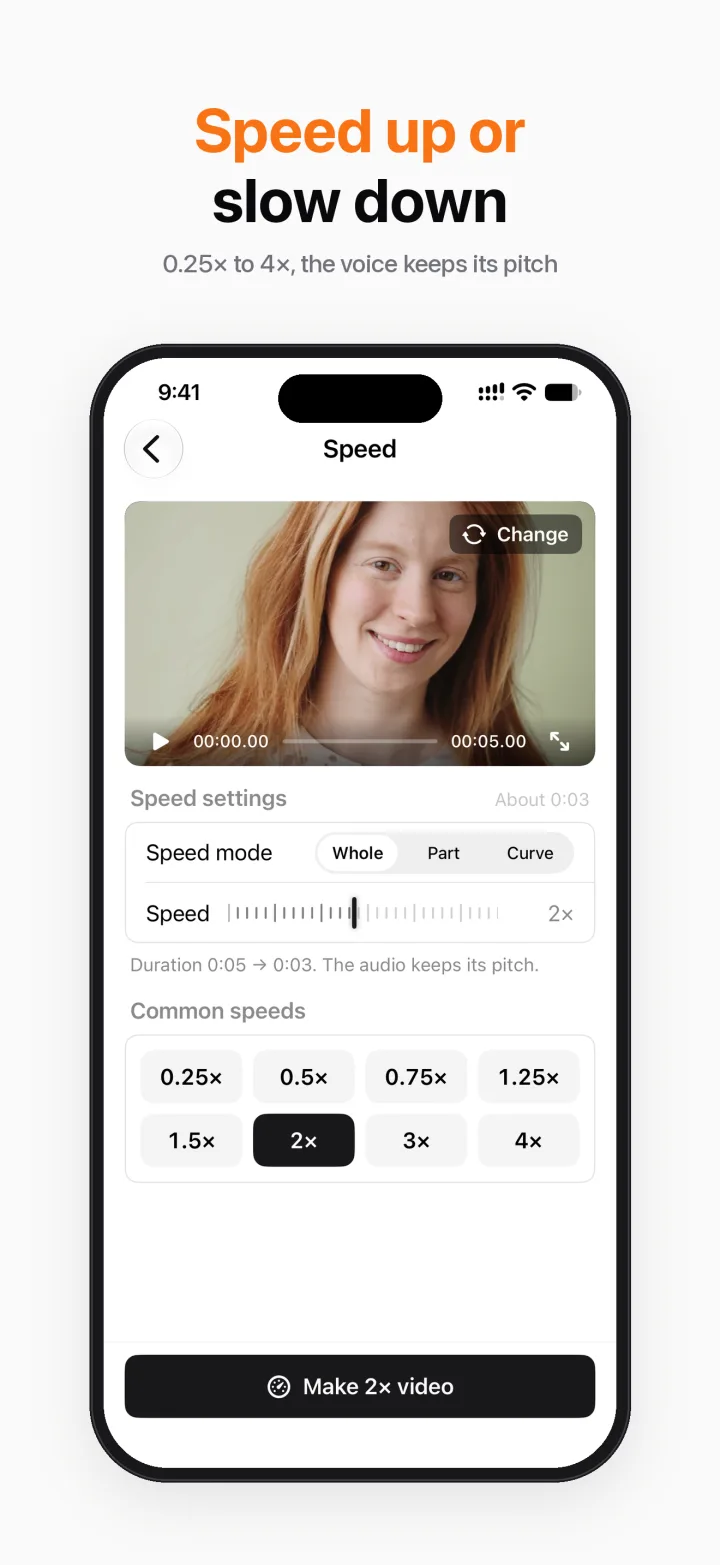
Speed up or slow down a video on iPhone
Speed up a long tutorial, slow down a jump or a pour. Breezecut changes video speed from 0.25× to 4× and keeps voices at their normal pitch, so nobody sounds like a chipmunk.
Steps
- Open Breezecut and tap Speed.
- Pick a video.
- Drag to the speed you want, from 0.25× to 4×.
- Export and save or share.
Download on theApp StoreFree to download · No ads · No watermark · No uploads
FAQ
Is it free?
Yes, free and unlimited.
Does the voice change pitch?
No, audio keeps its pitch.
Can I reverse a video too?
Yes, use the Reverse tool.
More guides
- How to compress a video on iPhone without uploading it
- Add subtitles to a video on iPhone automatically
- Remove a watermark or logo from a video on iPhone
- Blur faces in a video on iPhone automatically
- Make a blurry video sharper on iPhone
- Turn a video into a Live Photo on iPhone
- Resize a video to 9:16, 1:1 or 16:9 on iPhone (no black bars)