
iPhone video guide · Free
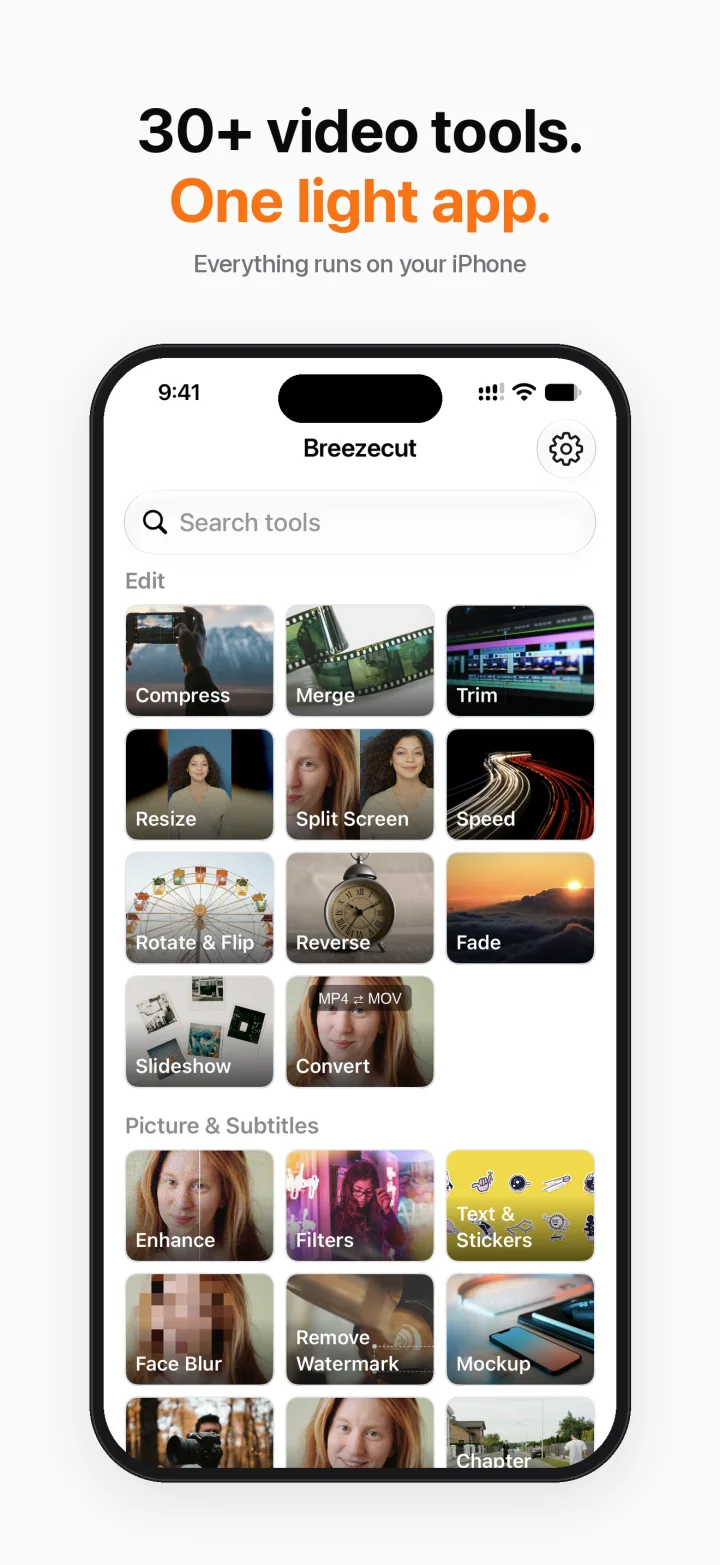
Remove a watermark or logo from a video on iPhone
A station logo in the corner, a username stamp, or old captions you don't want: Breezecut's Remove Watermark tool covers them on your iPhone. Please only use it on videos you have the right to edit.
Steps
- Open Breezecut and tap Remove Watermark.
- Pick a video and drag a box over the watermark.
- Choose how to cover it: blur, pixelate, or fill from the surrounding picture.
- Add more boxes if needed, set when each one appears, then export.
Download on theApp StoreFree to download · No ads · No watermark · No uploads
FAQ
Is it free?
Yes, Remove Watermark is free and adds no watermark of its own.
Does it work on moving logos?
Each box can have its own start and end time, so you can follow a logo that changes position.
Is my video uploaded?
No, everything is processed on the iPhone.
More guides
- How to compress a video on iPhone without uploading it
- Add subtitles to a video on iPhone automatically
- Blur faces in a video on iPhone automatically
- Make a blurry video sharper on iPhone
- Turn a video into a Live Photo on iPhone
- Speed up or slow down a video on iPhone
- Resize a video to 9:16, 1:1 or 16:9 on iPhone (no black bars)