
iPhone video guide · Free
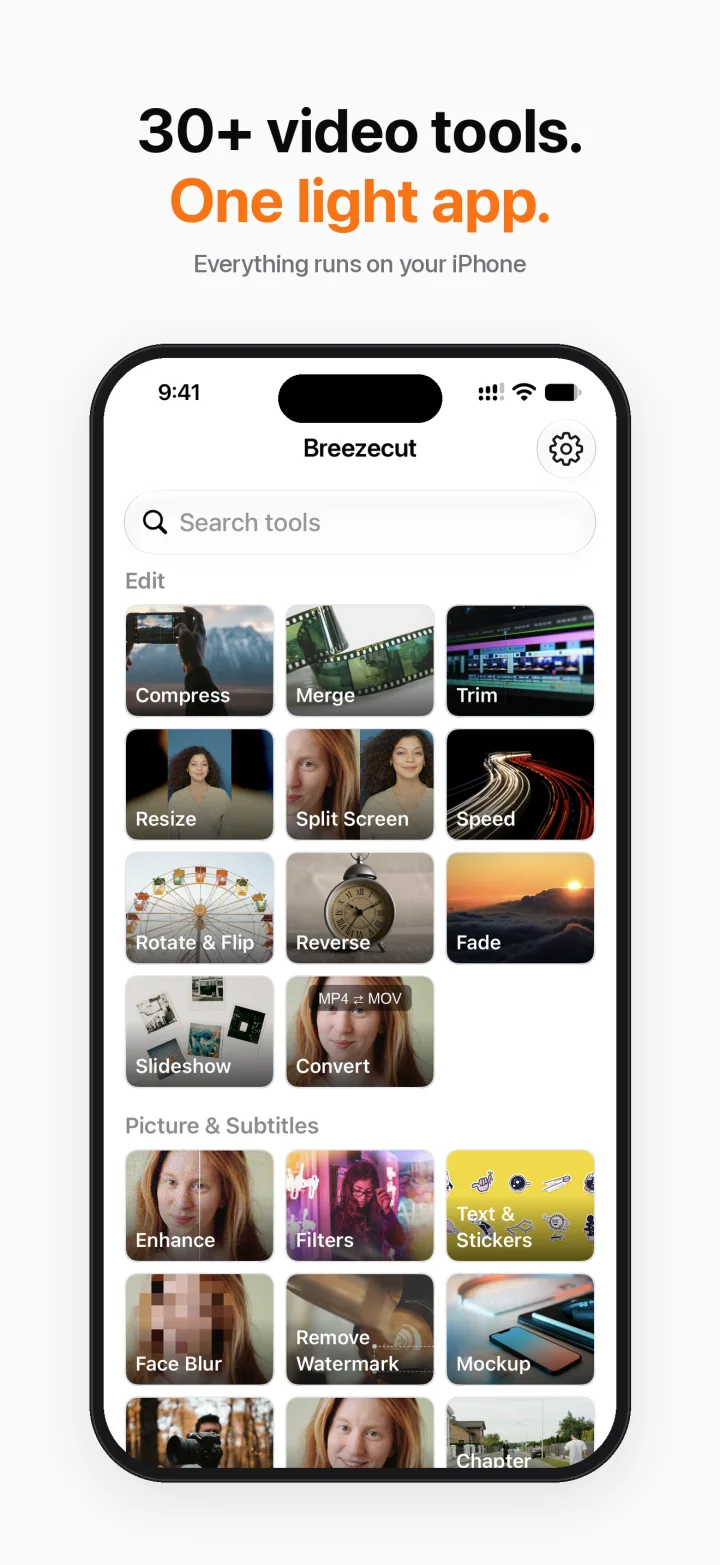
Resize a video to 9:16, 1:1 or 16:9 on iPhone (no black bars)
A landscape video posted to a vertical feed ends up tiny, with black bars. Breezecut's Resize tool changes the canvas to 9:16, 1:1, 16:9 and more, and fills the empty space with a blurred copy of the video.
Steps
- Open Breezecut and tap Resize.
- Pick a video and choose the aspect ratio.
- Keep the whole picture (Fit) and fill the space with a blurred background, black or white, or choose Fill to crop instead.
- Export and post.
Download on theApp StoreFree to download · No ads · No watermark · No uploads
FAQ
Is it free?
Yes, free and unlimited.
Will it crop my video?
Only if you want it to. Fit keeps the whole picture and adds a background; Fill crops to the new shape.
Is anything uploaded?
No.
More guides
- How to compress a video on iPhone without uploading it
- Add subtitles to a video on iPhone automatically
- Remove a watermark or logo from a video on iPhone
- Blur faces in a video on iPhone automatically
- Make a blurry video sharper on iPhone
- Turn a video into a Live Photo on iPhone
- Speed up or slow down a video on iPhone