
iPhone video guide · Free
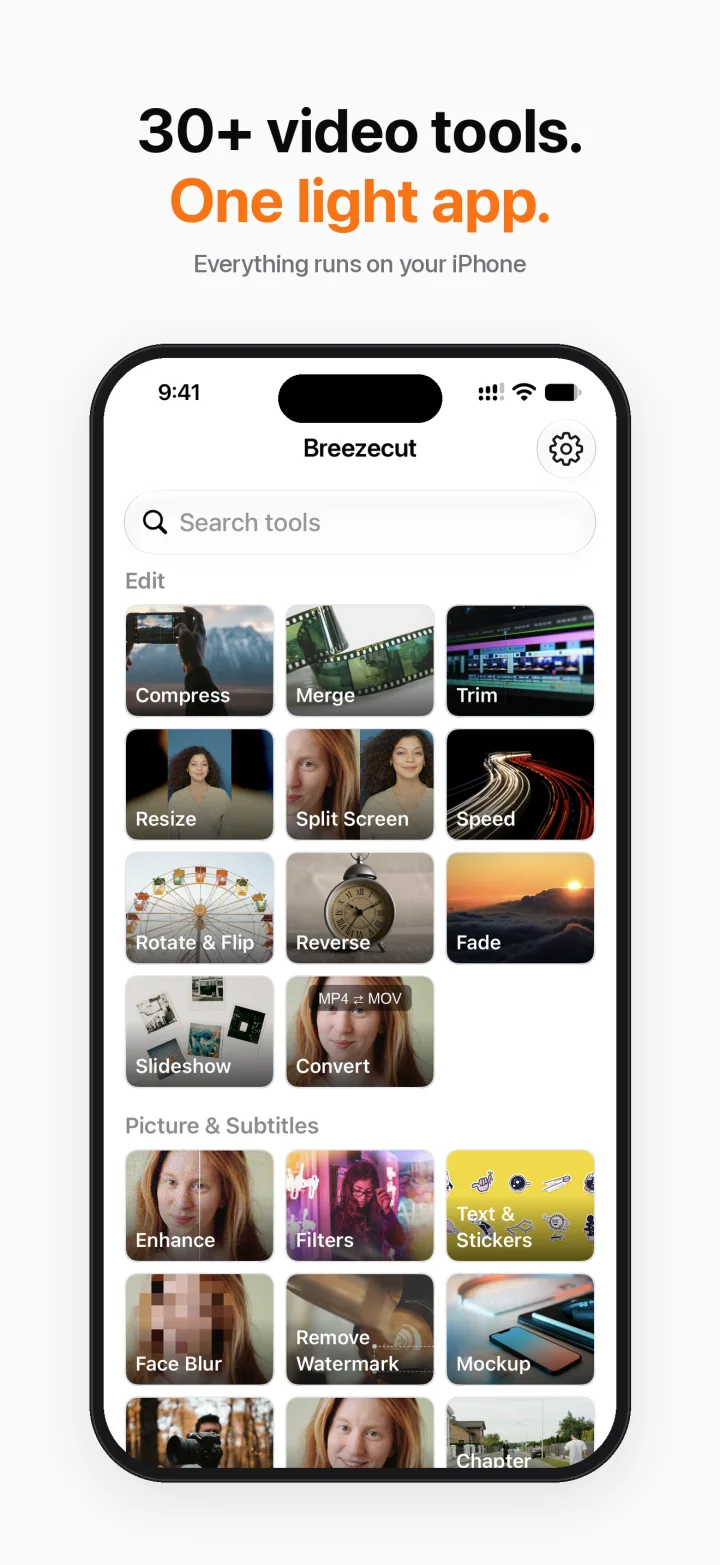
How to compress a video on iPhone without uploading it
Videos from the iPhone camera are huge, and many chat apps and email services reject files over a size limit. Breezecut's Compress tool shrinks a video right on your phone: nothing is uploaded to a website, and the result has no watermark.
Steps
- Open Breezecut and tap Compress (or search “compress” on the home screen).
- Pick a video from your photo library or Files.
- Choose a preset. HEVC keeps the most quality at the smallest size; H.264 plays everywhere, including older devices and Windows PCs.
- Check the estimated size, tap Export, then Save to Photos or Share.
Download on theApp StoreFree to download · No ads · No watermark · No uploads
FAQ
Is it free?
Yes. Compress is free, unlimited and adds no watermark.
Will my video be uploaded?
No. Compression runs on your iPhone with Apple's own video encoder.
How much smaller will it get?
It depends on the source, but a 4K clip saved as 1080p HEVC is often 70–90% smaller.
More guides
- Add subtitles to a video on iPhone automatically
- Remove a watermark or logo from a video on iPhone
- Blur faces in a video on iPhone automatically
- Make a blurry video sharper on iPhone
- Turn a video into a Live Photo on iPhone
- Speed up or slow down a video on iPhone
- Resize a video to 9:16, 1:1 or 16:9 on iPhone (no black bars)