
Studio Autoplay
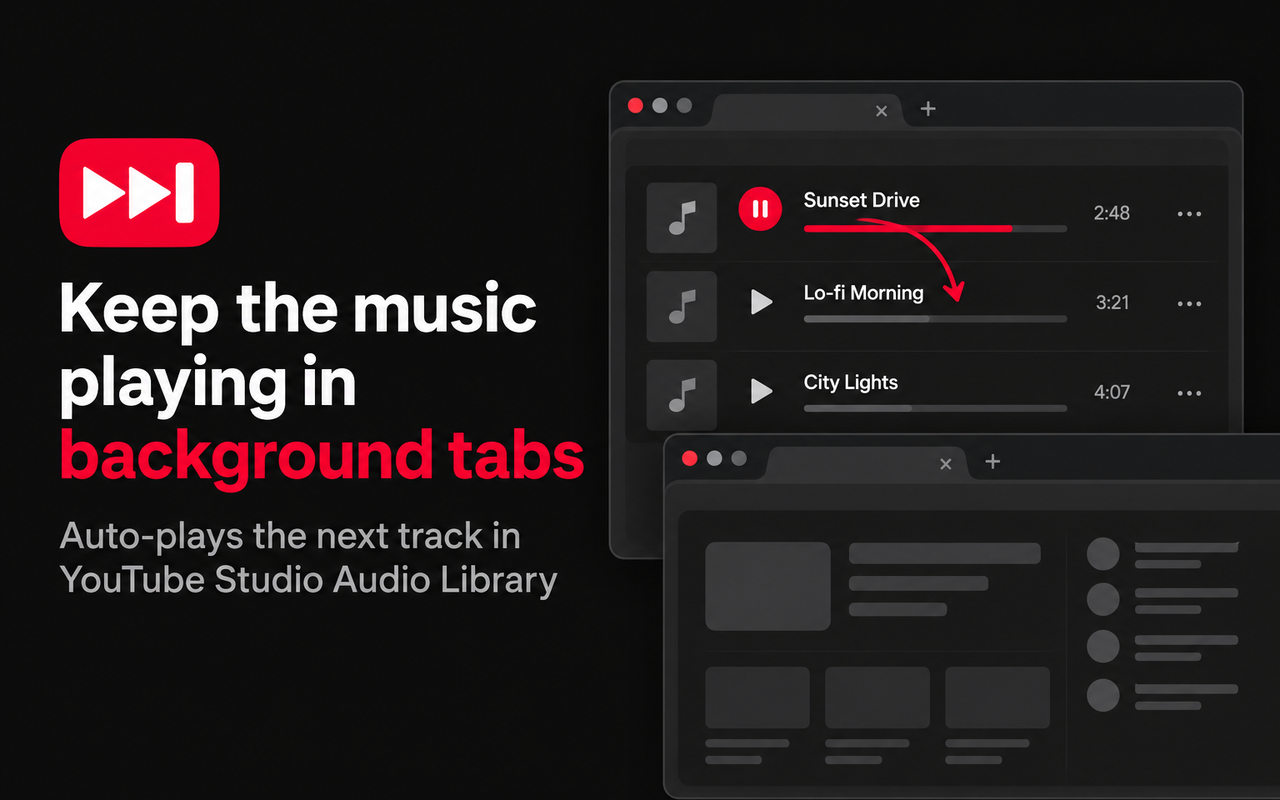
Browsing YouTube Studio's Audio Library for the perfect track? Switch to another tab and the music stops after a single song — the Audio Library only moves on to the next track while its tab is in front.
Studio Autoplay is a Chrome extension that fixes that. Keep working in other tabs while the Audio Library plays track after track in the background.
Features
- Automatically plays the next track when the current one ends, even in a background tab
- Keeps the page responsive in the background so the next track actually starts
- Prevents Chrome's Memory Saver from discarding your YouTube Studio tab
- Zero setup — install, open the Audio Library, and press play
How to use
- Open the Audio Library in YouTube Studio (studio.youtube.com).
- Click anywhere on the page once, then play any track.
- Switch tabs — playback continues to the next track automatically.
Privacy
Studio Autoplay runs only on studio.youtube.com and does not collect, store, or transmit any data. Read the full privacy policy.